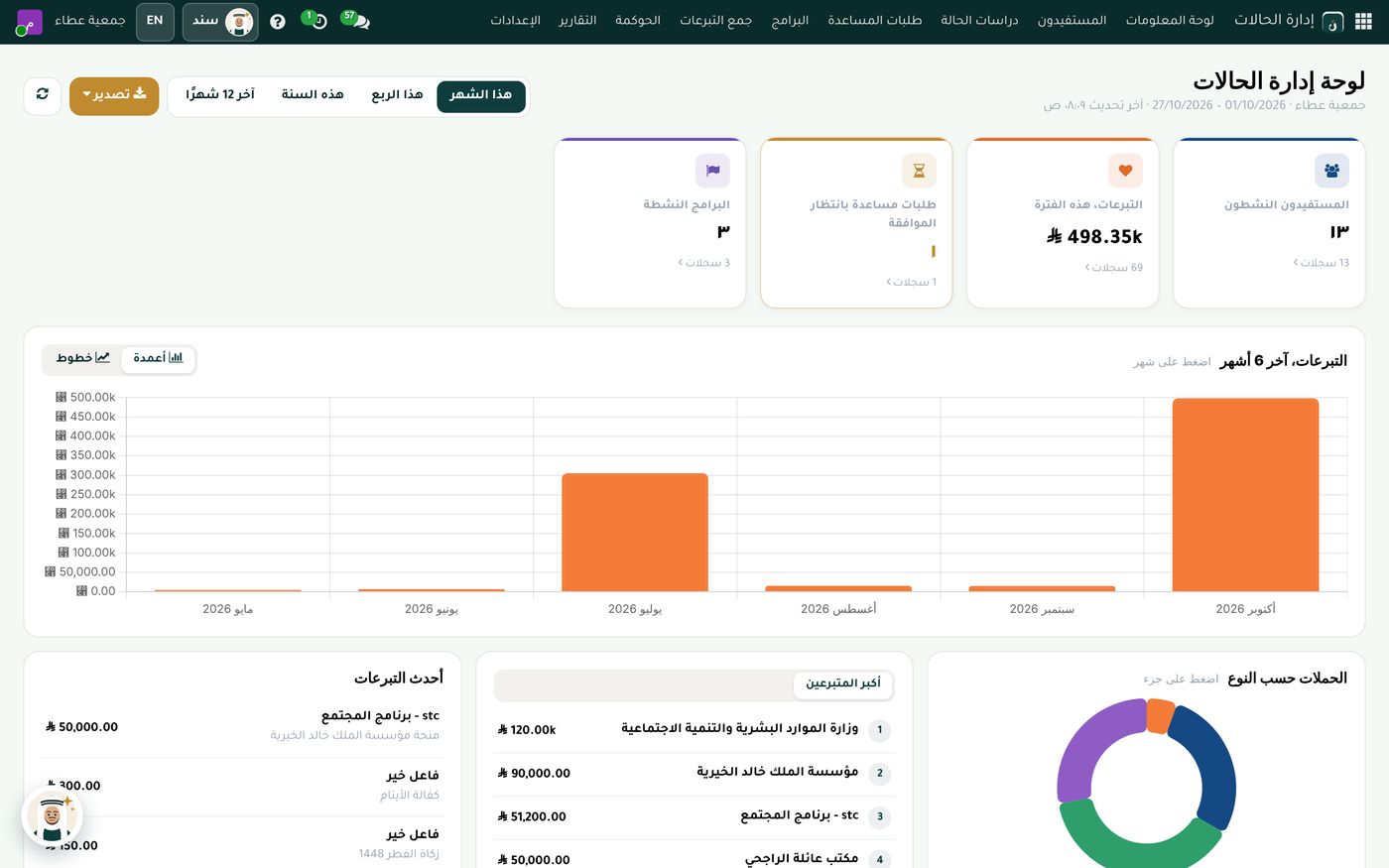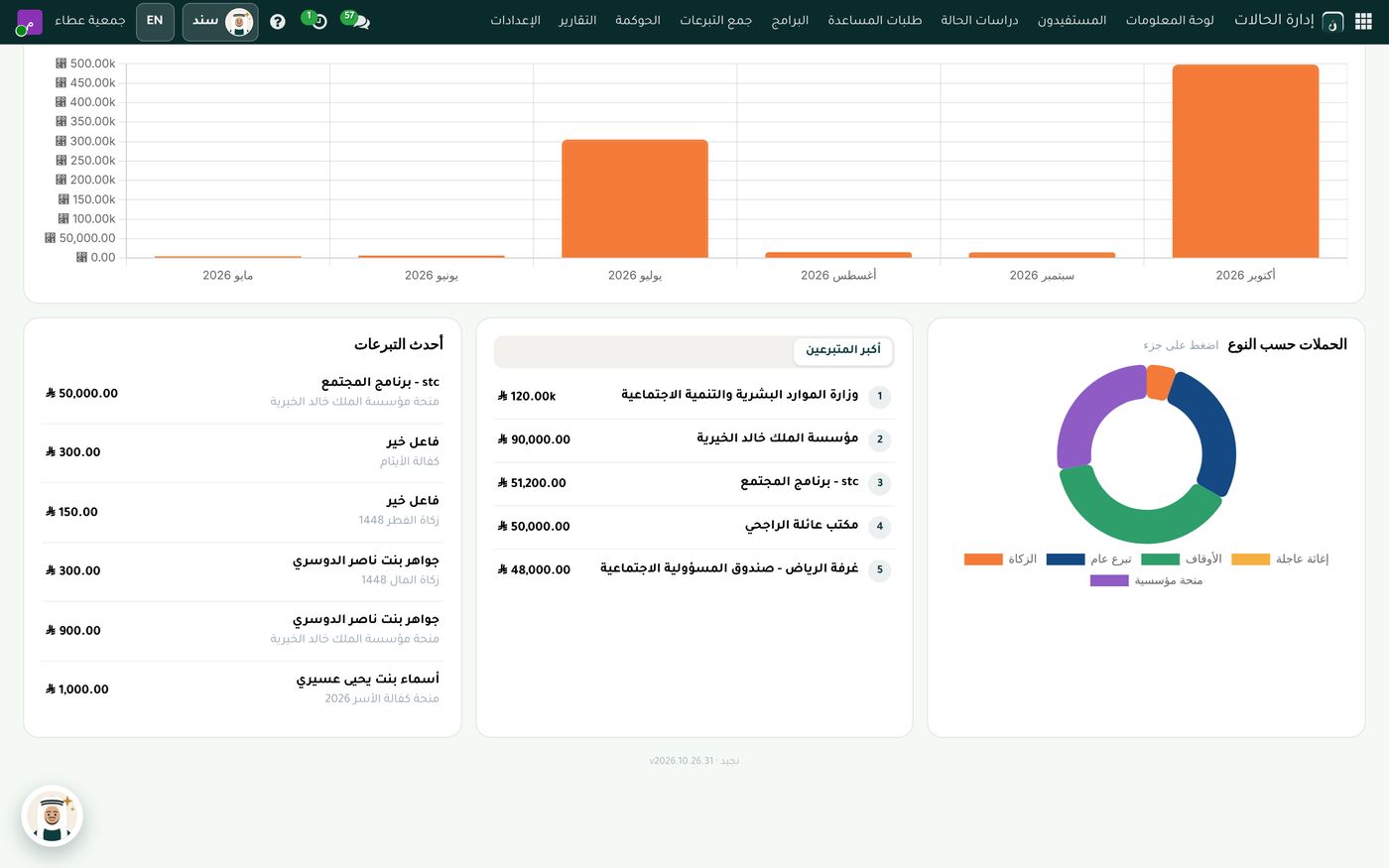
Many charities know that a unified chart of accounts for civil associations exists. The problem comes when they try to apply it: general accounting software with a commercial chart of accounts, an accountant trying to match it by hand to what the National Center for Non-Profit Sector requires, and reports that have to be reclassified before every audit. In this article we briefly explain the idea behind the chart, then show how a charity applies it in practice in Najeed.
Why a unified chart of accounts?
The National Center for Non-Profit Sector issued the unified chart of accounts for civil associations as a common basis for recording and presenting financial transactions. When charities use the same numbers and names, their financial statements become clearer for the regulator, the external auditor and donors, and their performance is easier to compare over the years.
A charity is different in nature from a company: its funds are donations, grants and endowments, and some are restricted to a specific purpose and cannot be spent on anything else. A commercial chart of accounts with a few tweaks isn't enough; a charity needs a structure built for this from the start.
Step one: a matching chart of accounts from day one
In Najeed, the chart of accounts follows the unified chart of accounts for civil associations issued by the National Center for Non-Profit Sector, with its exact numbers and names, ready from day one. Your accountant doesn't start by creating accounts or moving them over from an old file.
The charity still keeps its flexibility: it can add its own sub-accounts under the main accounts, such as one per bank or per type of income, without stepping outside the chart's structure.
Step two: separating restricted from unrestricted funds
What sets charity accounting apart is the distinction between types of net assets. In Najeed, net assets are presented in three groups:
- Unrestricted: funds the charity can spend on any of its purposes.
- Restricted: funds a donor or grantmaker has designated for a specific program or purpose.
- Endowments: endowed assets whose income is spent on their designated purposes.
Zakat is recorded in its own separate account, so it never mixes with general charity, and the charity can show exactly where its zakat funds were spent.
Step three: automatic entries from daily work
Applying the chart doesn't mean the accountant writes every entry by hand. In Najeed, every donation and every disbursement posts its own entry automatically, with bank reconciliation from the statement. When the cashier receives a donation for a particular campaign, or the charity approves aid for a family, the amount goes to the right account in the chart with no extra work.
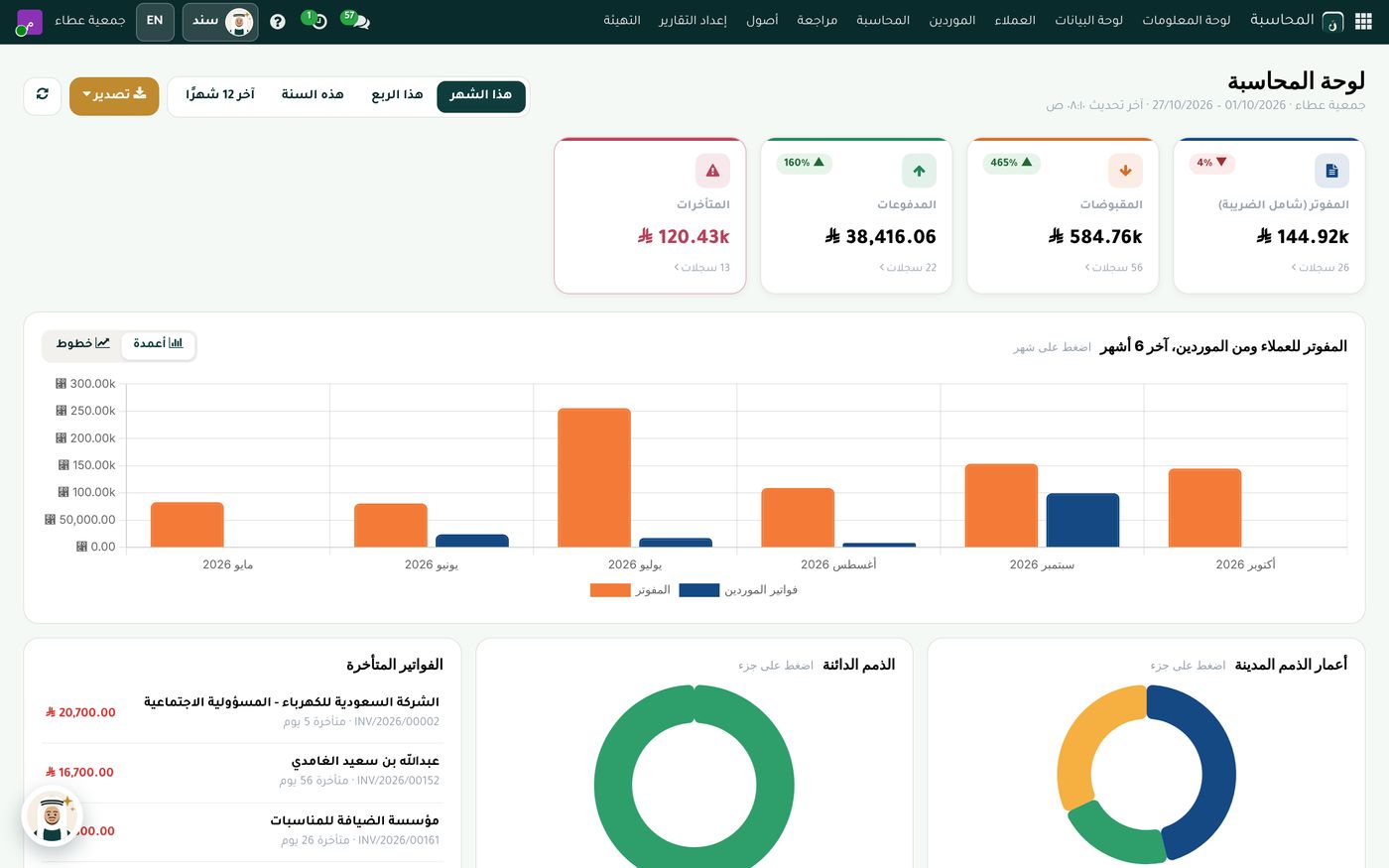
On the accounting dashboard, these entries appear as figures for the period you choose (this month, this quarter, this year, or the last 12 months): invoiced, receipts, payments and overdue amounts; a chart of invoicing against supplier bills over the last six months; then the list of overdue invoices and two charts of aged receivables and payables. The dashboard can be exported with a single click.
Step four: a cost center for every program and campaign
A grantmaker doesn't only ask about the charity's balance; they ask how much was spent on the program they funded. That's why Najeed provides a budget and cost center for every program and campaign, so you know what the charity has spent on each program against its budget. On top of that, there's a fixed asset register with automatic depreciation, and VAT setup with the tax invoice and the official riyal symbol for anything the charity sells.
The whole charity on one screen
Accounts don't live on their own. When accounting is connected to case management, donations, the store and endowments, the board sees the full picture.
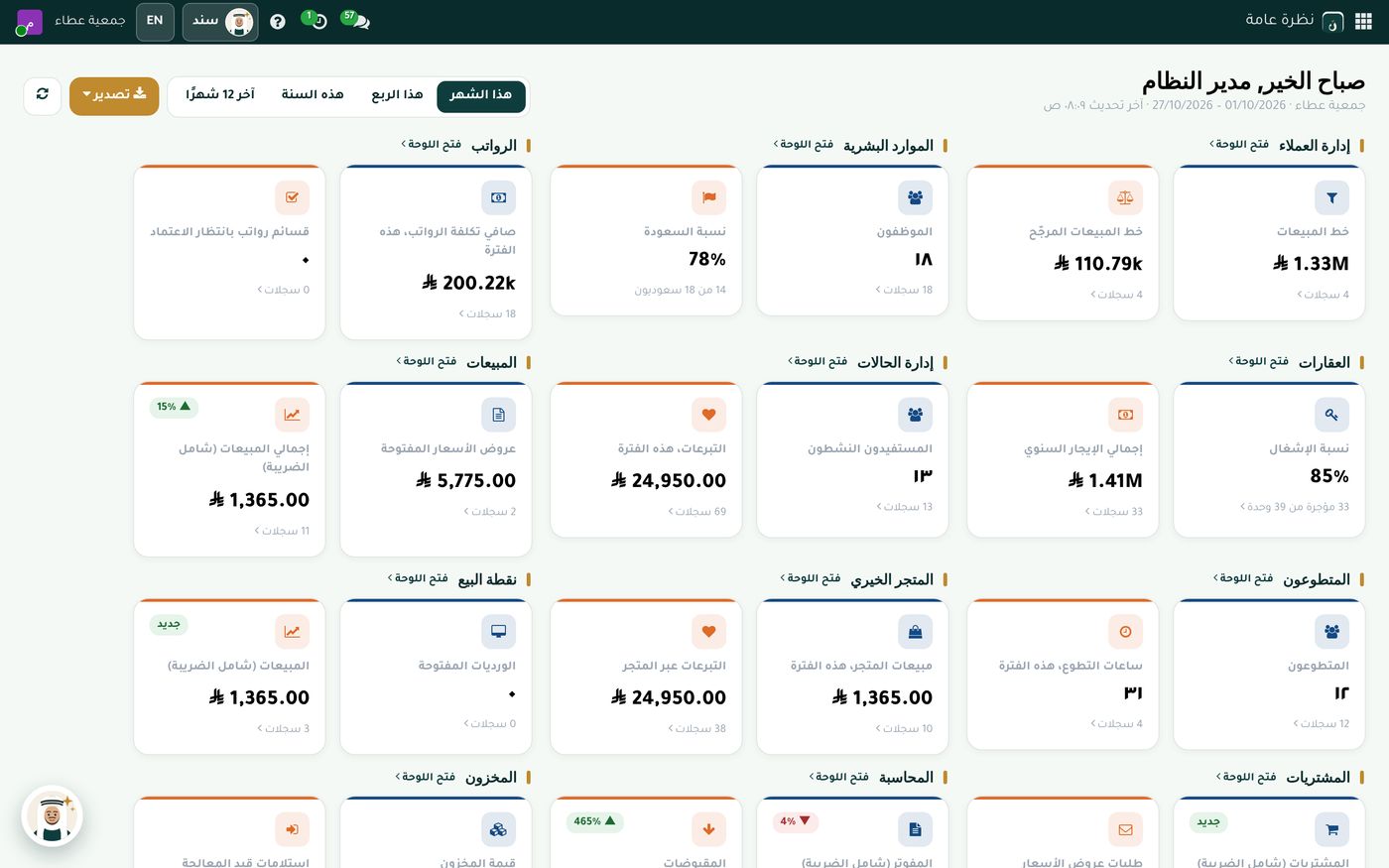
The overview shows cards from every department, such as donations in the period, active beneficiaries, property occupancy, volunteer hours and net payroll cost, and each department has an "Open dashboard" link for the details. And if the director wants an even faster answer, they can ask Sanad, the charity's own AI assistant, in Arabic.
The bottom line
Applying the unified chart of accounts for civil associations starts with a matching chart, with its exact numbers and names, then separating restricted funds, unrestricted funds and zakat, then automatic entries from every donation and disbursement, and a cost center for every program. Najeed sets all of this up for your charity from day one. Explore the accounting and governance module, or read our article on managing donors and campaigns.
Try Accounting and governance in Najeed
Try Najeed with demo data, or contact us and we'll set up the system for you.