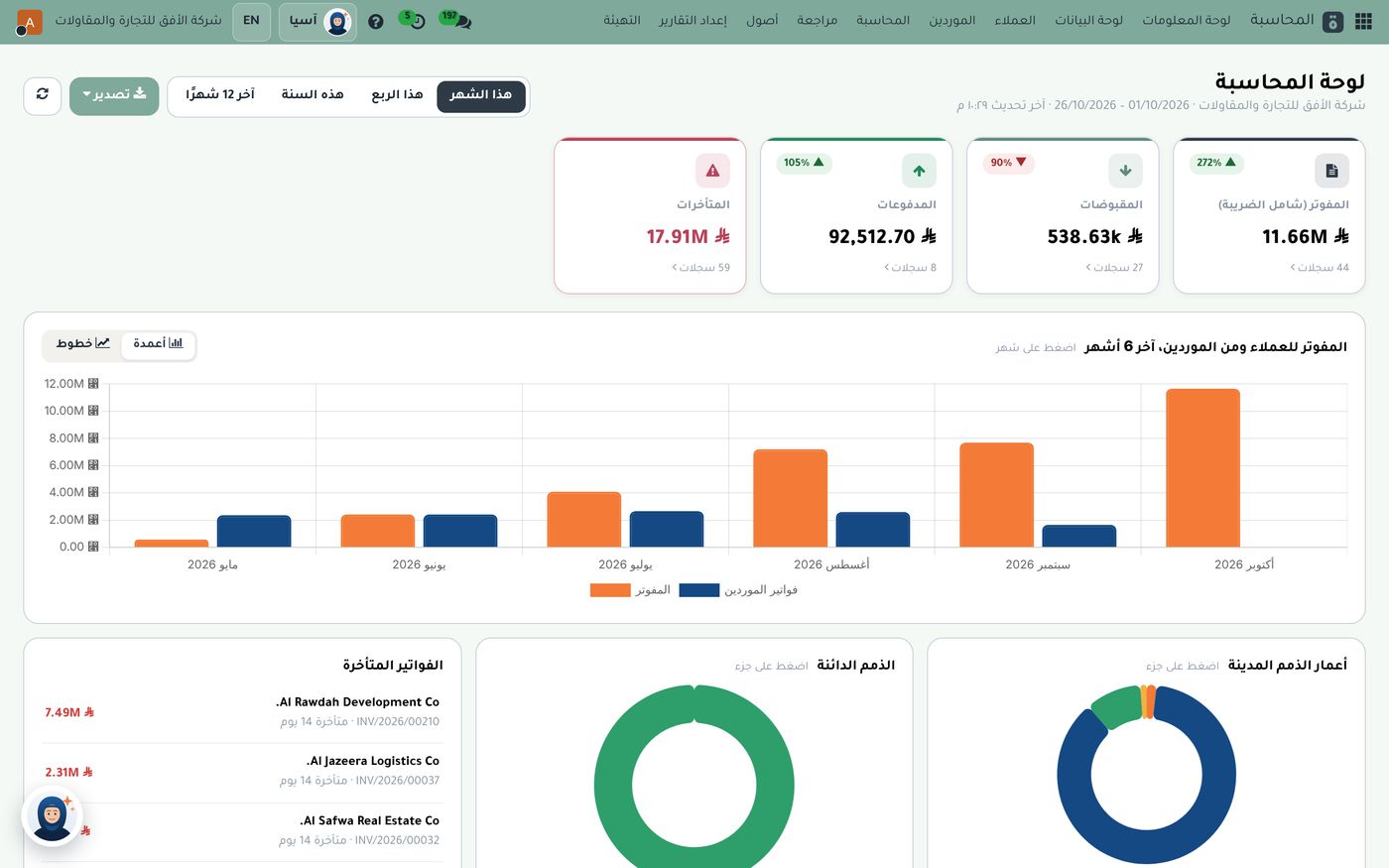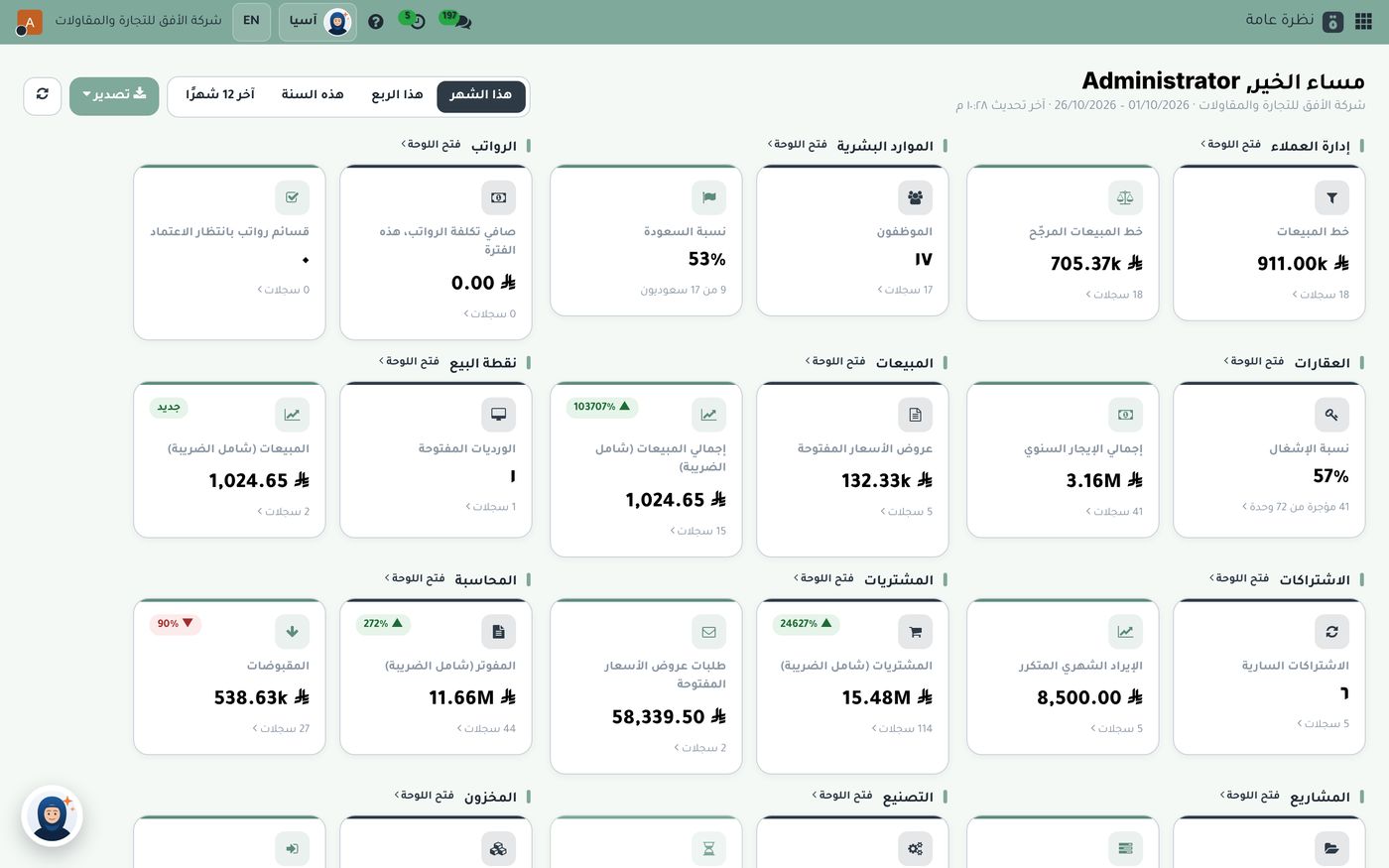
A rep leaves in the morning with a loaded vehicle, and the manager doesn't know where he is, what he has sold or what he has collected until he returns in the evening with a notebook or a handful of scattered messages. That's the reality in many distribution companies. The right van sales software changes the picture: the rep works from a single app all day, and the manager sees the team's vehicles on a map and follows sales and collections as they happen. In this article we explain how that cycle works in Subra, and what management sees on its screen.
Why are field reps hard to control?
Work outside the office is far from both management's eyes and the accounting system. The usual symptoms:
- Invoices written after the visit: entries arrive late, and what the rep sold differs from what reached the system.
- Collections that aren't linked: the rep takes a payment from a customer, and the accountant doesn't know which invoice it belongs to.
- Visits with no proof: no one can confirm the rep actually reached the customer.
- Late stock counts: the storekeeper finds the gap between what was loaded and what was sold only days later.
The fix is for the rep to work inside the same system the accountant and the warehouse use, so every transaction is recorded once, in its right place.
One app for the rep, all day
With Subra's mobile sales add-on, the rep works from the same point-of-sale screen: today's route, then the sale, then the collection, then the receipt. The day moves through five steps: opening the shift and checking in, today's route, confirming arrival at the customer, selling or collecting, and finally closing the shift and checking out.
A few details that matter to the rep on the road:
- Works without internet: he can sell and log his arrival even when the network drops, and everything syncs automatically when it returns.
- Automatic attendance: opening the shift is check-in and closing it is check-out, with location and fingerprint.
- Cash, card or on credit: paid sales show as paid, and credit sales become due from the customer with a full tax invoice.
- Collecting earlier invoices: when he takes a payment, it's linked to the customer's invoices and they become paid.
The live map: where are your vehicles now?
On the other side, the manager sits in front of a tracking dashboard. The rep's phone sends its location automatically every minute, and the interval can be adjusted, so the map shows the latest position of every vehicle.
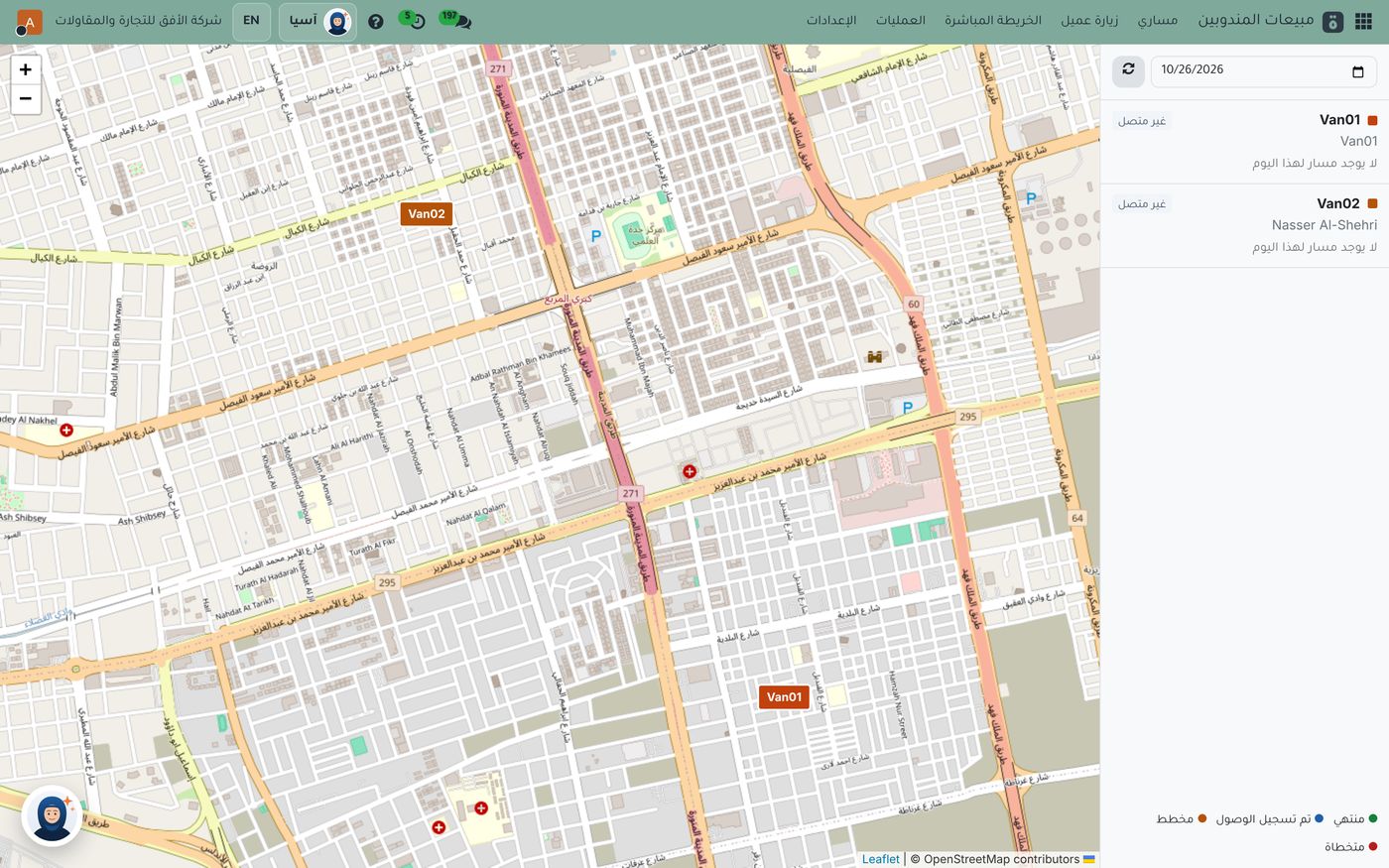
On this screen the two vehicles, Van01 and Van02, appear as markers on the map, and the side list shows each vehicle with its rep and status. On this day both were marked "offline", with the note that there was no route for that day. That's a useful example: the system tells you plainly when there's no activity, so you don't have to guess. Below the list is a legend for visits: planned, arrival logged, completed and skipped. You can change the date at the top of the list to review a previous day.
The manager's dashboard also shows each vehicle's status, connected, stopped or offline, based on the latest location received, along with its route and visits during the day. Location history is kept for review for as long as your company decides.
Visit verification: proof the rep arrived
When the rep logs his arrival, the system calculates his distance from the customer's location and saves it with the visit. The company can set a radius in meters around each customer, and if the rep is outside it, the system either warns or blocks the check-in, depending on company policy. That way a visit becomes a record you can review, not just a line in a report.
A matched close at the end of the day
When the shift is closed, cash is counted against sales and collections, so the accountant knows whether what the rep holds matches what was recorded. Returns are recorded with a credit note, so the item goes back to its place in stock. No one has to wait until the end of the week to discover a gap.
Following rep performance from the sales dashboard
Once the reps' transactions are in the system, the sales dashboard shows them in a sales by rep chart.
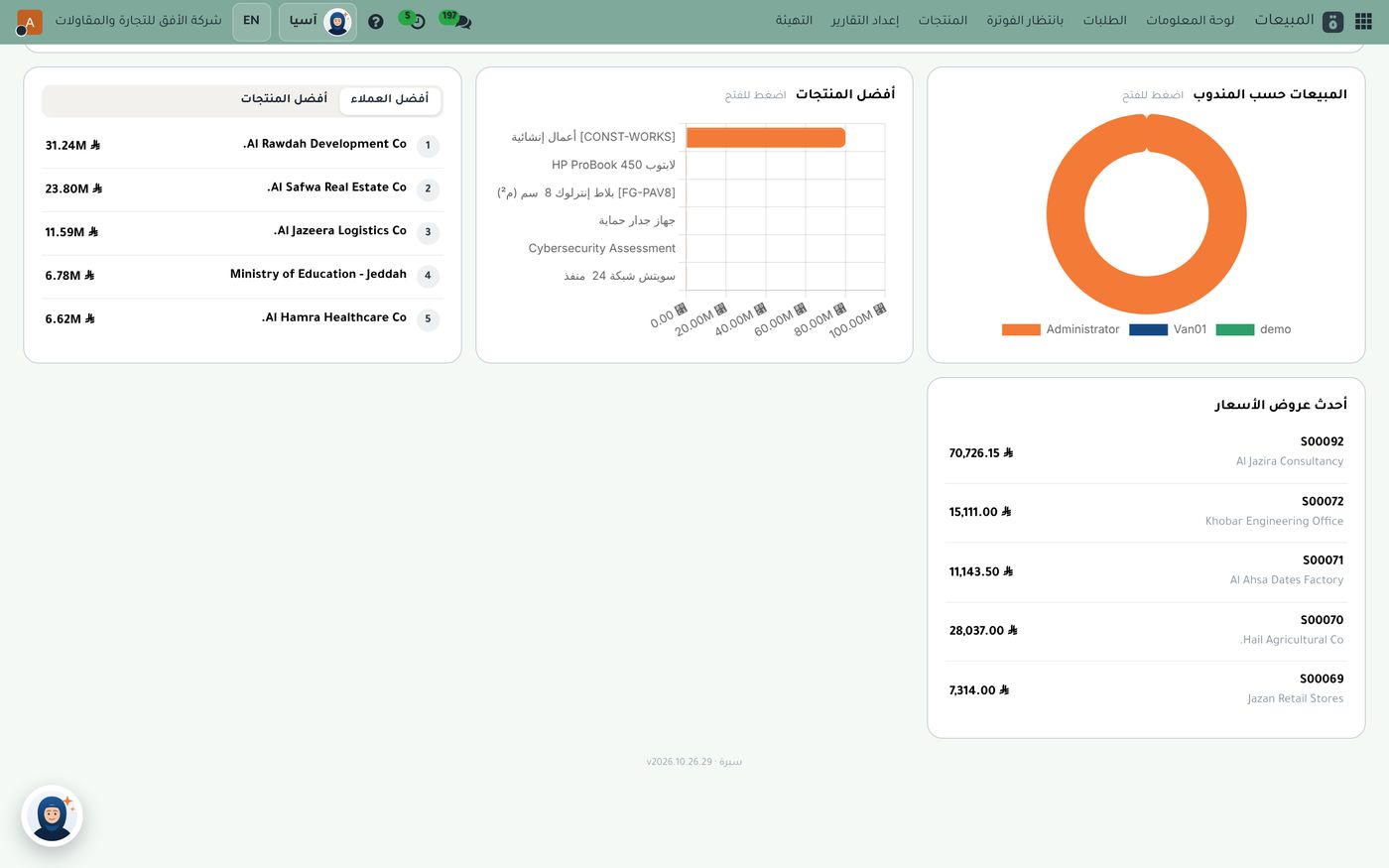
The chart shows reps such as Van01 alongside others, with top customers, top products and the latest quotations next to it. Because vehicle sales enter the same system, there's no need to consolidate them by hand before comparing reps. For the full sales cycle, see our article on from quotation to invoice.
How to start in a few simple steps
- Start with one vehicle and test a full day, from opening the shift to closing it, before expanding.
- Set the customer radius in meters to suit your area, so check-in isn't blocked in crowded neighbourhoods.
- Check the map each morning to confirm the vehicles are online and every rep has a route.
- Make the daily close a fixed habit so differences show up on the day they happen.
For the add-on's details, see mobile sales in Subra, and for tracking, the manager dashboard and tracking.
Summary
Selling from a vehicle needs a system that travels with the rep and keeps the manager informed. One app for selling and collecting, offline operation, a live vehicle map, visit verification and a matched close make mobile sales a disciplined part of the company's accounts. The Role8 team is happy to show you the full cycle on demo data before you decide.
Try Van sales in Subra
Try Subra with demo data, or contact us and we'll set up the system for you.