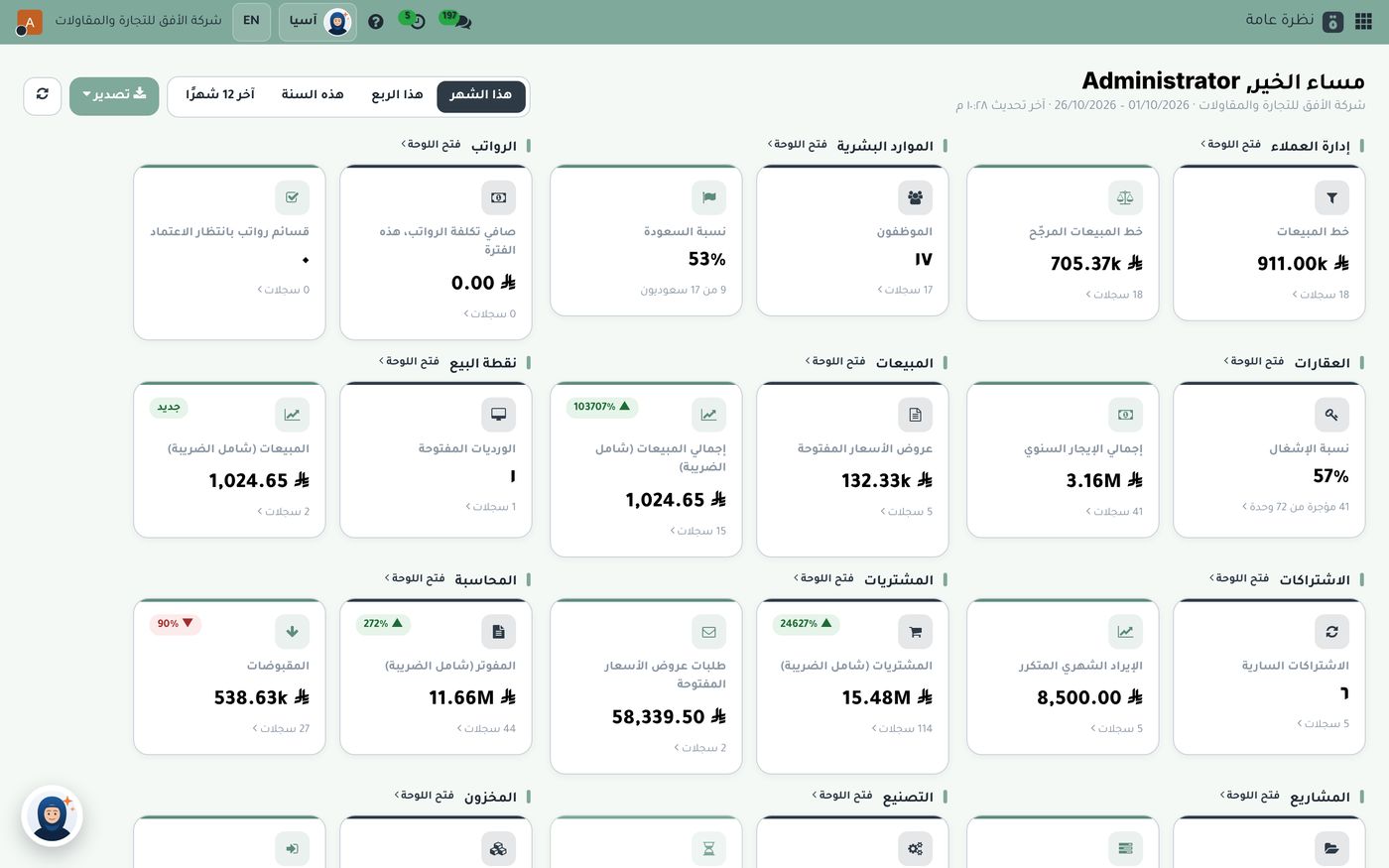
When the letter from the Zakat, Tax and Customs Authority (ZATCA) arrives telling a business it is included in the next integration wave, the usual question follows: is our current software ready? E-invoicing phase two doesn't just mean a printed invoice with a QR code. It means your system connects to the Fatoora platform and sends every invoice for ZATCA to clear. In this article we briefly explain the two phases, then show how Subra handles integration in a company's day-to-day work.
Phase one and phase two: what's the difference?
ZATCA split e-invoicing into two phases:
- Generation phase: the business issues and stores its invoices from a compliant electronic system instead of handwritten invoices or spreadsheets, with a QR code on simplified invoices.
- Integration phase: the invoicing system connects to ZATCA's platform, so tax invoices are sent for clearance and simplified invoices are reported to it.
Phase two is rolled out in successive waves that ZATCA announces based on revenue, and each business included is notified well before its integration date. So it's best to follow ZATCA's official notices and get your system ready before the date draws near.
What does integration mean in day-to-day work?
Technically, integration involves certificates, digital signatures and a specific file format. What matters to a manager is simpler:
- Every sales invoice you issue reaches ZATCA without anyone uploading it by hand.
- Credit notes for returns or discounts, and debit notes for increases, follow the same path.
- You know the status of every invoice: cleared, or needing a correction, so you don't discover a problem months later.
If an employee copies invoice numbers from one program to another, or uploads them at the end of the day, that is both a burden and a source of errors.
How does Subra connect your invoices to Fatoora?
In Subra, ZATCA integration is part of the system, not a separate add-on. It connects directly to the Fatoora platform: it submits invoices, credit notes and debit notes and gets them cleared in real time, in line with both phase one and phase two. The invoice itself is a Saudi tax invoice with a QR code and the official riyal symbol.
And because Subra is an integrated system, invoices aren't written from scratch. The sales cycle starts with a quotation, then a sales order, then delivery from the warehouse, then the invoice. For fast counter sales, a single invoice is enough, and its quantity leaves the warehouse as soon as it's confirmed. Either way, the invoice is built from data that already exists, then sent for clearance.
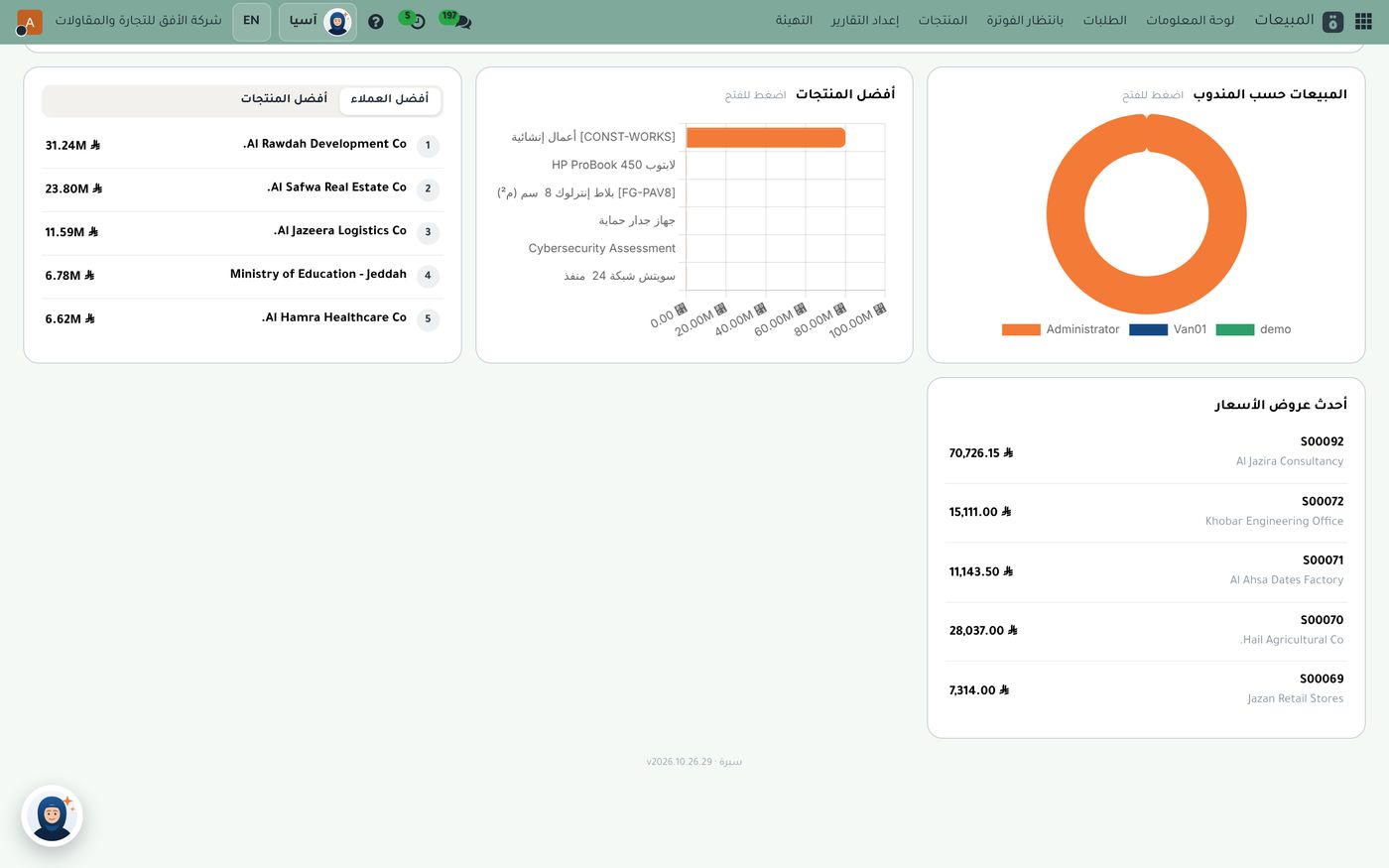
The sales dashboard shows the latest quotations, each with its number, customer and amount, alongside your top customers and top products. These quotations are where the invoices later sent to ZATCA begin, so whatever is written in the quotation carries through to the invoice with no double entry.
VAT set up correctly from day one
Integration alone isn't enough if the VAT on the invoice is wrong. That's why Subra comes with a ready Saudi chart of accounts and taxes, with the correct rates and tax codes. Every invoice posts its accounting entry automatically the moment it's confirmed, and it appears straight away on the accounting dashboard.
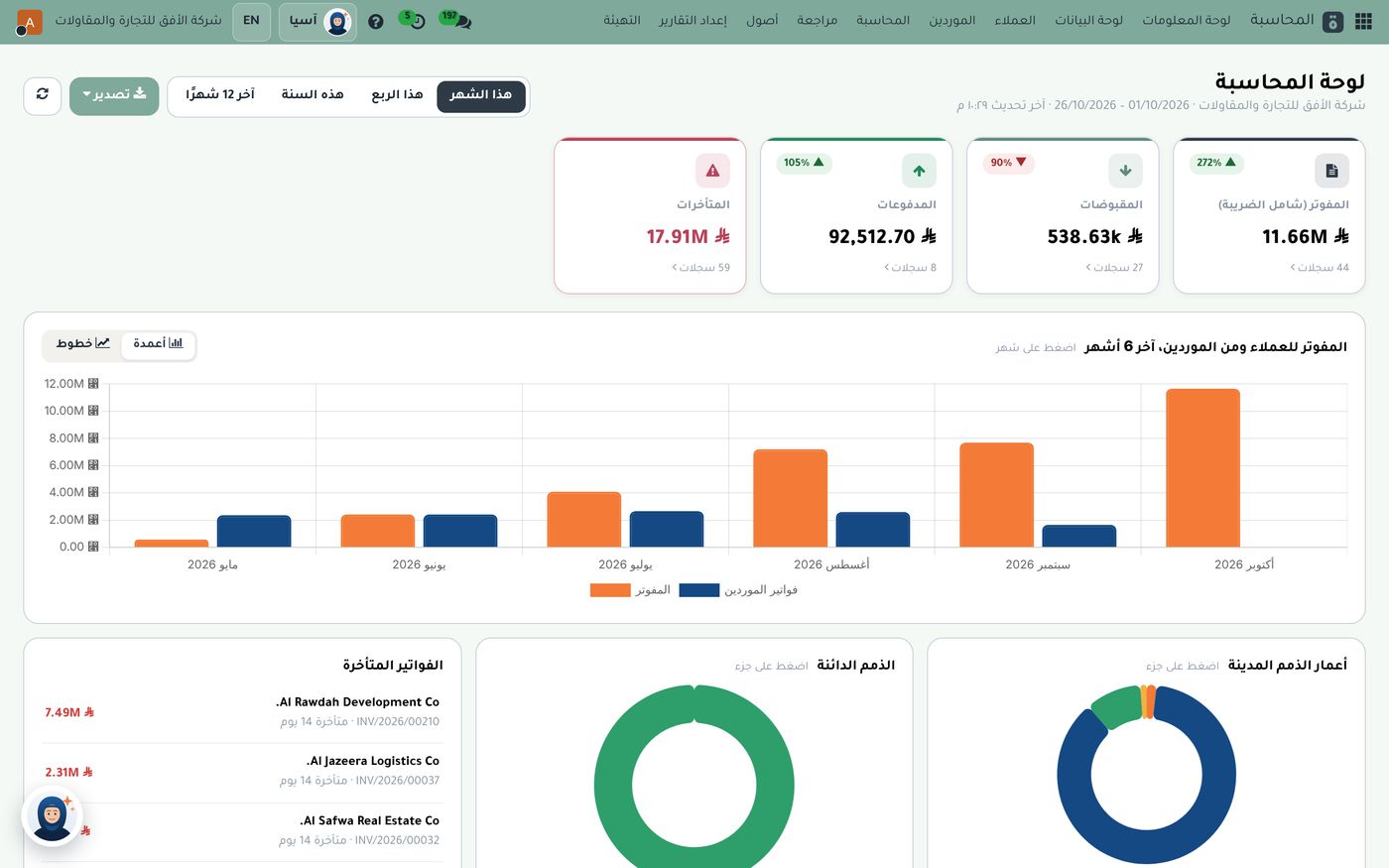
At the top of the dashboard, the "Invoiced (incl. VAT)" card sits beside receipts, payments and overdue amounts. Below it, a chart compares customer invoicing with supplier bills over the last six months, followed by the list of overdue invoices with their numbers and days overdue. In other words, the invoice sent to ZATCA is the very same one you see in your financial figures, not a copy in another program.
From the invoice to the VAT return
The end goal isn't just the invoice, it's a correct tax return. In Subra you'll find the tax reports: the VAT return with detailed sales and purchase reports, ready to review and file. When every invoice is issued from the system and cleared, reviewing the return becomes a quick comparison instead of a search through paperwork.
Practical tips before your integration date:
- Review your business customers' details, especially VAT numbers and addresses, because tax invoices depend on them.
- Agree on one rule with your team: no invoices outside the system, and no changes to a cleared invoice except through a credit or debit note.
- Run the full cycle on a small number of invoices well before the deadline.
Start with the Subra 5 package
ZATCA integration and tax reports are among the seven modules in the Subra 5 package, together with customer management, accounting, contacts and calendar, dashboards and reports, starting from SAR 1,490 a year including VAT. Sales, purchasing and inventory are added whenever your company needs them.
The bottom line
E-invoicing phase two requires a system that connects to Fatoora, sends invoices and notes for clearance, and ties them to your accounting and VAT return. Subra does all of this in one place. Explore the accounting and ZATCA integration module, or read our article on reading your accounting dashboard every morning.
Try Accounting and zakat in Subra
Try Subra with demo data, or contact us and we'll set up the system for you.